Dear users! due an outage of the ISP, our services are temporary unavailable. We’ll notify you as soon as the service is back to normal
Category: others
Users demo released
We have created a demo regarding users management in regards the requirements of a challenge posted in a group in Facebook https://www.facebook.com/groups/2322832835/permalink/10157871154867836/ and we have deployed in our implementation in our demo server at https://demos.lucentinian.com/usersdemo/
Specification and development documentation has been added to the users demo web page.
Feel free to play with it, and do not hesitate to send us your feedback.
Happy New Year 2020!
Best Wishes from Lucentinian Works Co Ltd!
Date time decoder
We have added to our Convert Data web service date time decoders that we hope will help you to determine with ease these situations where you need to look for the calendar to know what day was yesterday, last Monday, first day of last month, etc. in different standard formats. You can also specify what timezone you want the date time to be parsed, including regions like continents and countries, or part of city names. So that, we hope this tool may help you with bulk conversions as well.
The available decoders are:
Convert from file feature added
The release presented today for our Convert data website has as main actor the introduction of convert data from file, hash calculation, transform, etc. Choose file which you want to apply the selected operation and algorithm, and it will be sent automatically to our server for the conversion.
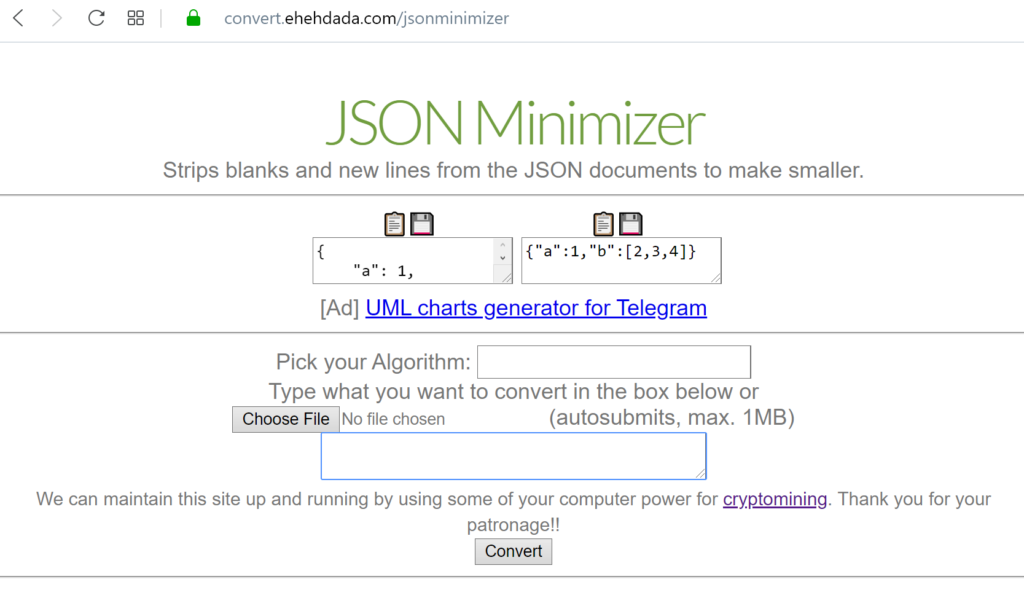
Once the file has been processed, it will appear as usual in the original and result boxes. We have changed the way the data displayed since the content may require too much memory from the web browser of the user, so we are limiting the representation in 5KB. However, internally, the full data can still be copied to clipboard and downloaded. Furthermore, if the result exceeds the 5KB, the content will be downloaded automatically.
Moreover, we have introduced a JSON minimizer operation for striping blanks and new lines, reducing the JSON document as much as possible following the standards.
‘Save As File’ added to Convert Data site
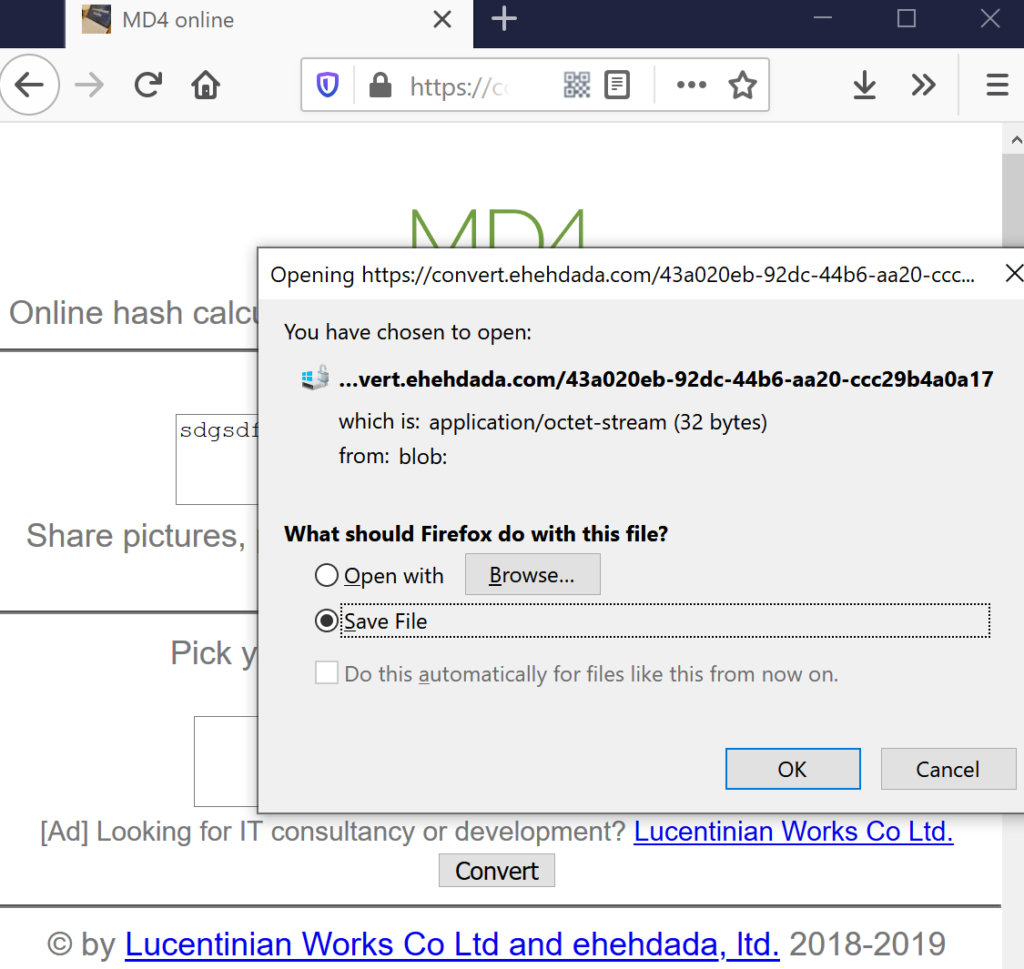
We have added the convenient ‘Save As File’ function represented by an floppy image 💾 to both the original content and the conversed content for easing the storage of the results while converting data with our web service.
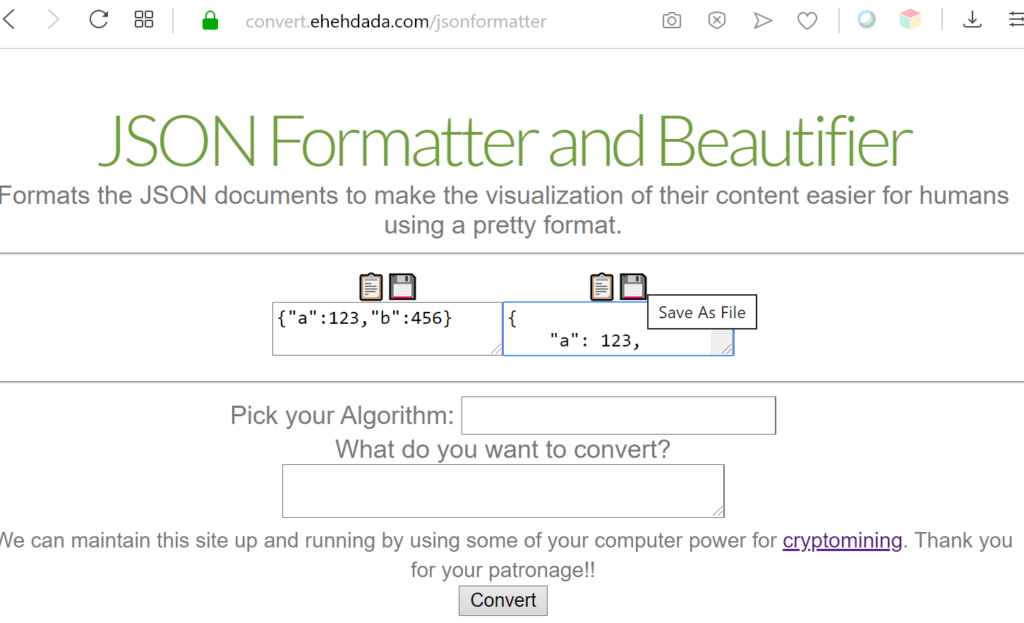
Depending on the web browser configuration, the content will be stored directly without confirmation.
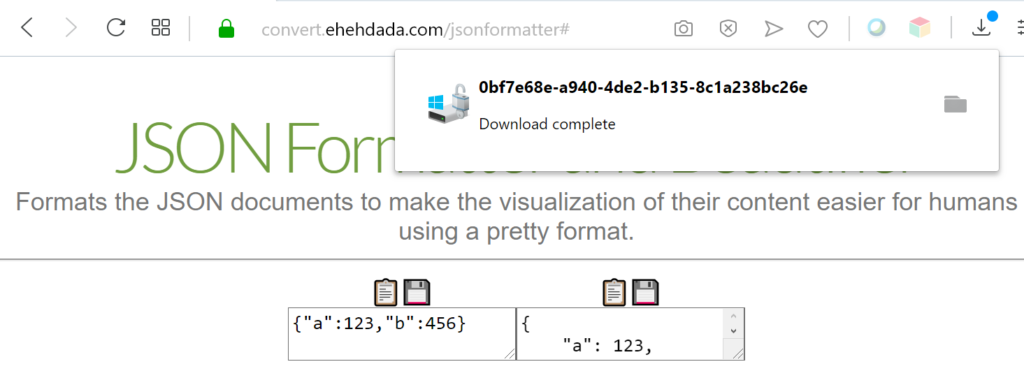
Or it will ask what to do before saving the file.
‘Copy to Clipboard’ added to Convert Data
To make easier to copy the original or the converted text with our webservice, we have added ‘Copy to Clipboard’ buttons respectively.
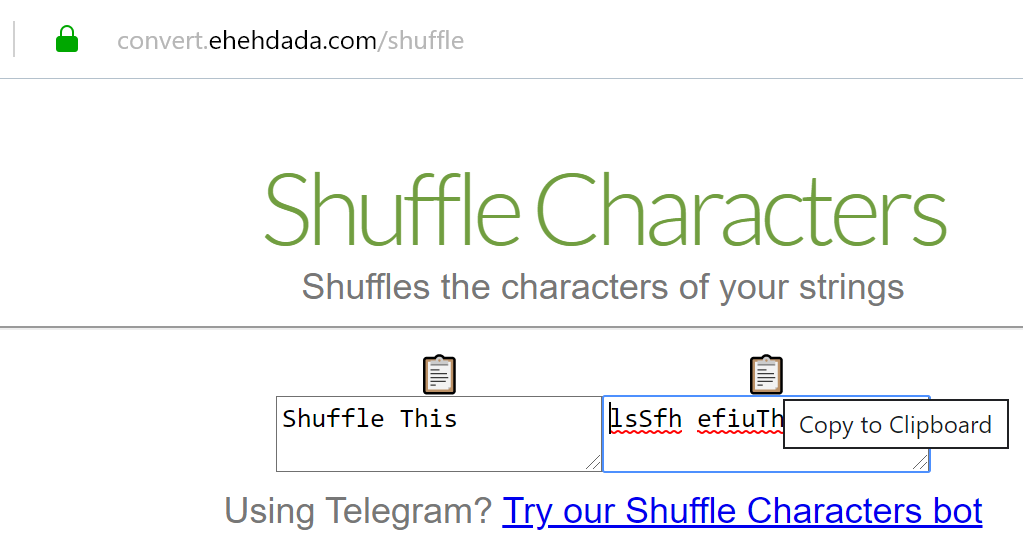
Try it converting anything with our Convert data tool.
JSON Formatter & Beautifier added
If you are often working with JSON objects, it is not always easy to visualize the content of big serialized objects.
Today we would like to bring you our JSON Formatter and Beautifier integrated in our Convert Data website.

Type the document you want to format in the box under the algorithm selection and click “Convert” button to have it nicely formatted.
Haval digest algorithm added
We would like to announce that the Haval hash algorithm has been integrated as part of conversion data of our Convert Data website.
We have added all the output length variants with the different rounds.
- Haval 128 bits length
- Haval 160 bits length
- Haval 192 bits length
- Haval 224 bits length
- Haval 256 bits length
Snefru256 and Jenkins one-at-a-time hash algorithms added
We would like to announce we have added the next algorithms to our online Convert Data website: Snefru256 (256 bits length) and Jenkins one-at-a-time or JOAAT.

More information about these hash algorithms in Snefru at wikipedia and Jenkins hash function at wikipedia.